NetScaler 14.1 — What’s New, and Why You Shouldn’t Postpone the Upgrade
TL;DR — 14.1 is the current strategic NetScaler release, and in 2026 it’s no longer a « nice to have » upgrade. It’s where the security fixes land (the CVE wave isn’t slowing down), and it brings two features worth the move on their own: HTTP/3 over QUIC and end-to-end TLS 1.3 — including all the way to the VDA. This article covers what’s actually new, the build-hygiene traps, and a field checklist to upgrade without drama.
📋 Table of Contents
1. Why 14.1, Why Now
If you’re still on 13.1 (or worse, 13.0), the question isn’t really « what’s new in 14.1? » — it’s « how much longer can I afford to stay where I am? » 14.1 is the current release line, which means it’s where new features ship and, more importantly, where security fixes are published first and most consistently. Older lines get fewer fixes, later, and eventually none.
There are two ways to look at an upgrade. The boring way: a compliance checkbox. The useful way: a chance to pick up real capabilities — HTTP/3, modern TLS — while closing your exposure window. This article takes the second view, with the field caveats that don’t appear in the release notes.
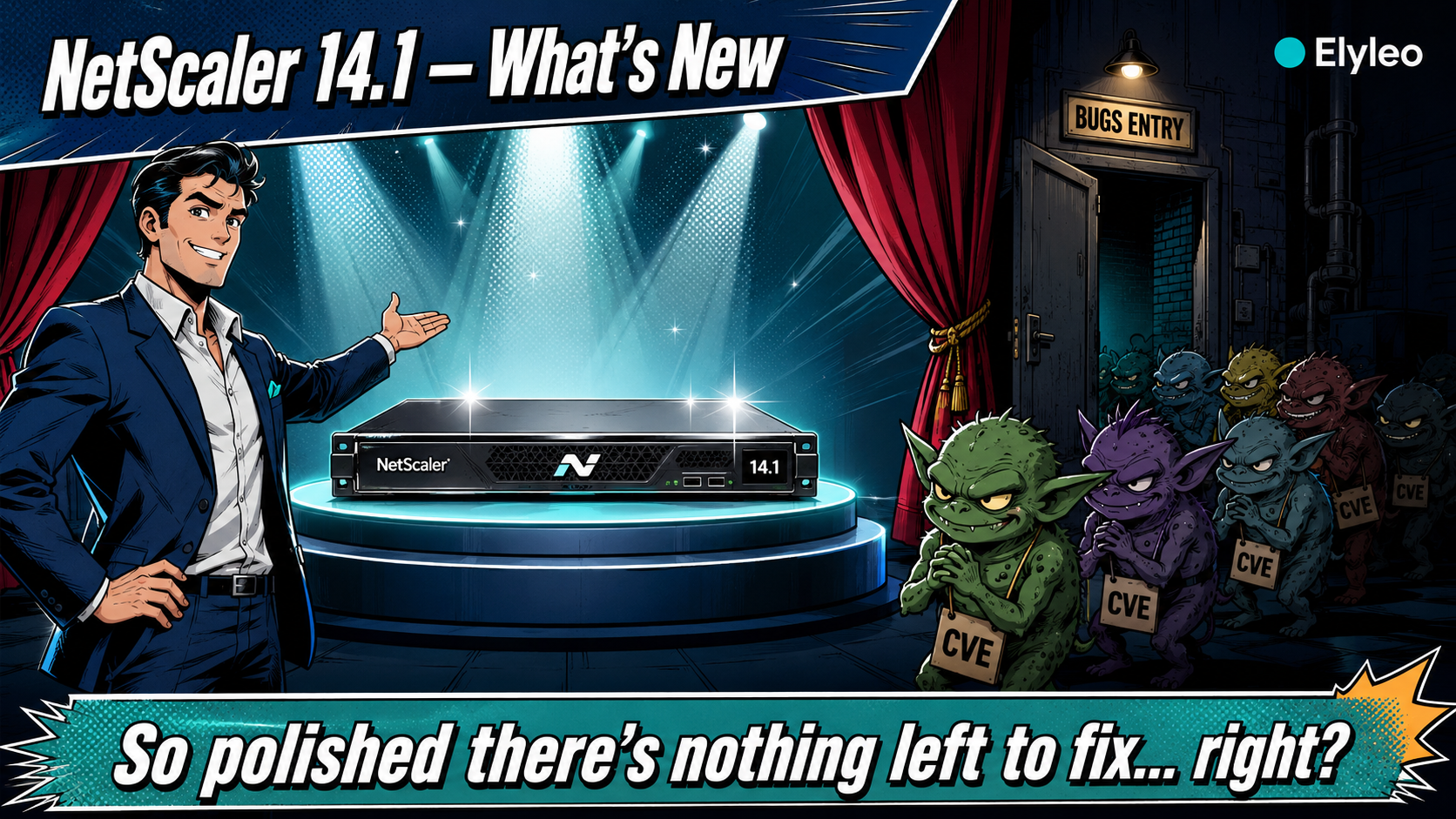
A side note on the vendor, because it’s relevant to what’s coming. Cloud Software Group — NetScaler’s parent — has just joined Anthropic’s Project Glasswing and gained access to the Claude Mythos preview, putting AI to work reviewing its codebase. One imagines it’ll be a restful assignment: the product is so beautifully finished, so thoroughly polished, that there can’t be a great deal left to correct. Any day now, the security bulletins should quietly dry up. In the meantime — purely as a precaution — expect the CVE cadence to keep right on going, which is precisely why staying current stops being optional.
NetScaler, Citrix ADC, NetScaler ADC… same box, different decade of marketing. Throughout this article, « 14.1 » refers to the NetScaler ADC / Gateway 14.1 release line under Cloud Software Group.
2. The Security Reality of 2026
Let’s be blunt: internet-facing NetScaler has been one of the most actively targeted appliances of the last two years, and 2026 hasn’t broken the pattern. Fresh critical CVEs keep landing — and they keep getting exploited in the wild, fast, often before organisations finish patching.
The operational consequence is simple: staying on an old build is an accumulating risk, not a stable state. Every month you postpone, you’re further from the build where the next fix will be published, and the upgrade you’re avoiding gets bigger.
« Upgrade to 14.1 » is necessary but not sufficient — the specific build matters. Some CVEs affect particular builds (for example, CVE-2026-4368 specifically impacts build 14.1-66.54). Landing on the wrong 14.1 build can mean upgrading into a vulnerability. Always cross-check the current security bulletin against the exact build you’re targeting.
None of this is fear-mongering — it’s just the new normal for any appliance that exposes an authentication portal to the internet. The good news is that 14.1 is where the patches are, and the same upgrade pays you back in features.
A word on the lifecycle clock
End-of-life isn’t an abstraction here. NetScaler ADC 13.1 reaches end of life on 15 September 2027 — after which there are no more fixes, security or otherwise. 14.1, by contrast, is the first release on the new 7-year lifecycle, so it has a long, predictable runway ahead of it. Translation: moving to 14.1 isn’t only about today’s features — it’s about not painting yourself into a corner 18 months from now. (Always confirm exact dates against the Citrix Product Lifecycle Matrix; note too that the NetScaler Console/ADM and the file-based licensing deadlines run on their own calendar.)
3. HTTP/3 over QUIC
The headline feature. HTTP/3 runs over QUIC, which uses UDP instead of TCP as its transport. That sounds like a footnote until you remember what TCP costs you on a lossy or mobile network: head-of-line blocking, slow connection setup, and a fresh handshake every time the network path changes.
💡 Why QUIC matters in practice
- TCP + TLS handshake = more round-trips to first byte
- Packet loss stalls every stream (head-of-line blocking)
- Change network (Wi-Fi → 5G) = new connection
- Low-latency connection establishment
- Per-stream flow control — loss doesn’t stall everything
- Connection migration: survives NAT rebinding & network change
For a workforce on the move — mobile users, home connections, 4G/5G, high-latency links — that « connection migration » property alone is a tangible UX win. On NetScaler, HTTP/3 is delivered through a dedicated HTTP_QUIC virtual server, and existing HTTP/1.1 or HTTP/2 services can advertise an HTTP/3-capable endpoint so clients upgrade transparently.
# A dedicated HTTP_QUIC vserver carries HTTP/3 (UDP 443)
add lb vserver vs_app_http3 HTTP_QUIC 203.0.113.10 443

# The default HTTP profile for HTTP_QUIC vservers ships with HTTP/3 ENABLED
# Advertise the HTTP/3 endpoint from your existing HTTP/2 vserver (alt-svc)
# so clients discover and upgrade to QUIC automatically.QUIC is UDP/443, not TCP/443. If your perimeter only allows TCP/443 to the VIP, HTTP/3 will silently never engage and clients quietly fall back to HTTP/2. Open UDP/443 and confirm with the HTTP/3 stat counters before declaring victory.
4. TLS 1.3, End to End
TLS 1.3 isn’t new to the world, but 14.1 is where it gets comprehensive on NetScaler — and the detail that matters for a Citrix platform is that it now reaches all the way to the VDA. From NetScaler Gateway 14.1 build 43.50 and later, you can secure the connection between the Gateway and the VDA with TLS 1.3, closing a leg that historically lagged behind the front door.
On the front end, TLS 1.3 buys you a faster handshake (one round-trip, or zero with resumption), modern AEAD-only cipher suites, and removal of the legacy baggage that auditors love to flag. And the QUIC back-end SSL profile comes pre-configured with TLS 1.3 and the appropriate cipher suites — so HTTP/3 and TLS 1.3 reinforce each other rather than being two separate projects.
This is the detail that quietly catches people out. On 13.1, TLS 1.3 is not the native, complete implementation: it only works with the enhanced SSL profile. The legacy/default profile won’t give you a real TLS 1.3 experience — and even when you force it on, niceties like abbreviated handshakes (ticket-based resumption) and 0-RTT early data aren’t supported. On top of that, back-end TLS 1.3 to the VDA simply doesn’t exist before 14.1. So when someone says « we’re already on TLS 1.3, » the right question is which profile? — because more often than not it’s a partial story. 14.1 is where TLS 1.3 becomes genuinely native and end-to-end.
# Enable TLS 1.3, disable the legacy protocols
set ssl vserver vs_gateway -tls13 ENABLED -ssl3 DISABLED -tls1 DISABLED -tls11 DISABLED

# A TLS 1.3 cipher group (AEAD suites only)
add ssl cipher CG_TLS13
bind ssl cipher CG_TLS13 -cipherName TLS1.3-AES256-GCM-SHA384
bind ssl cipher CG_TLS13 -cipherName TLS1.3-AES128-GCM-SHA256
bind ssl vserver vs_gateway -cipherName CG_TLS13If you’re already in the SSL config doing TLS 1.3, that’s the moment to also enforce your HTTP security headers (HSTS & co.). One maintenance window, two audit findings closed.
5. Upgrade: The Build-Hygiene Traps
The upgrade itself is rarely the hard part. The traps are around it.
Pick the right build, not just « 14.1 »
Cross-check the current security bulletin: some CVEs hit specific builds. Target a build that’s both feature-current and clear of known issues — not whatever was newest six months ago.
Mind compatibility minimums
Surrounding components (Console/ADM, licensing, FIPS) have minimum compatible versions. Plan the whole estate, not just the ADC pair, so you don’t upgrade one box into an incompatibility.
Stage on the secondary first
In an HA pair, upgrade and validate the secondary, fail over, then do the primary. You keep a known-good node to fall back to the entire time.
Back up the config & have a rollback
Export the ns.conf and take a snapshot before touching anything. A rollback you didn’t prepare is a rollback you don’t have.
Fresh install vs. in-place upgrade
This is the decision most people rush — and the one I’d slow down on. An in-place upgrade is the path of least resistance, but it carries your entire history forward: legacy SSL profiles, years of config drift, orphaned certificates, the lot. A fresh install costs a bit more work up front, but it puts everything back where it belongs — a clean, known-good baseline on the modern enhanced profile, with none of the inherited cruft.
💡 Two paths, two outcomes
- Faster, lowest effort
- Carries legacy SSL profiles forward → may miss full native TLS 1.3
- Config drift, orphaned certs and old habits come along for the ride
- A bit more work up front
- Clean baseline on the enhanced profile — native, end-to-end TLS 1.3 from day one
- No inherited baggage: you migrate the config you want, not the mess you have
The extra hours buy you a platform without inherited problems — and they’re exactly the inherited problems (legacy profiles, ghost certificates, half-configured SSL) that turn a « simple upgrade » into a support case. A fresh install puts the church back in the middle of the village.
In most cases, yes. 14.1 is the line that receives the security fixes and the new features; parking on 13.1 just to « wait » mostly means accumulating a bigger jump later while staying exposed in the meantime. Validate your specific feature set (custom policies, integrations) in a staging pass, but the strategic direction is 14.1.
6. Field Upgrade Checklist
✅ Before you click upgrade
7. Conclusion
NetScaler 14.1 is one of those upgrades where the « should we? » question is mostly answered by the calendar. The security reality of 2026 means an old build is a growing liability, and 14.1 is where the fixes live. The bonus is that the same maintenance window hands you HTTP/3 for your mobile users and TLS 1.3 all the way to the VDA — capabilities, not just patches.
Do it deliberately: pick the right build, stage on the secondary, validate, and turn on the new features on purpose rather than by accident. The appliance that’s been quietly absorbing attacks for two years deserves a current firmware — and your users get a faster, cleaner experience out of the same effort.
Whether it’s a straight 14.1 upgrade or — better — a clean rebuild with config migration onto the enhanced profile, this is exactly the kind of work I run hands-on: build selection, fresh install, TLS 1.3 and HTTP/3 enablement, staging and cutover without surprises. If you’ve got a 13.1 estate to move before the clock runs out, I’m happy to scope it or run the migration with you.
8. References
📚 References
- NetScaler 14.1 — HTTP/3 over QUIC
- NetScaler — TLS 1.3 protocol support
- Enable TLS 1.3 between NetScaler Gateway and VDA (build 43.50+)
- NetScaler 14.1 release notes
- NetScaler ADC firmware release cycle (7-year lifecycle) & Citrix Product Lifecycle Matrix
- Cloud Software Group / NetScaler security bulletins (check current CVEs & build hygiene)
- Cloud Software Group joins Anthropic’s Project Glasswing (Claude Mythos preview)